Quick summary
To change the parent instructor on a PTDE packet, submit TDLR's online Change of Instructor form with the student's full name and date of birth, the new instructor's name, your 452PT packet receipt number, and email as the delivery method. TDLR — not ParentTaught.com — processes the change and emails the updated instructor designation, typically within a few days, though it can take over a week during summer and spring break.
Do you need to update the address or instructor name on the PTDE Packet you purchased from the Texas Department of Licensing and Regulation? This guide will walk you through the process.
How to Change Your Instructor
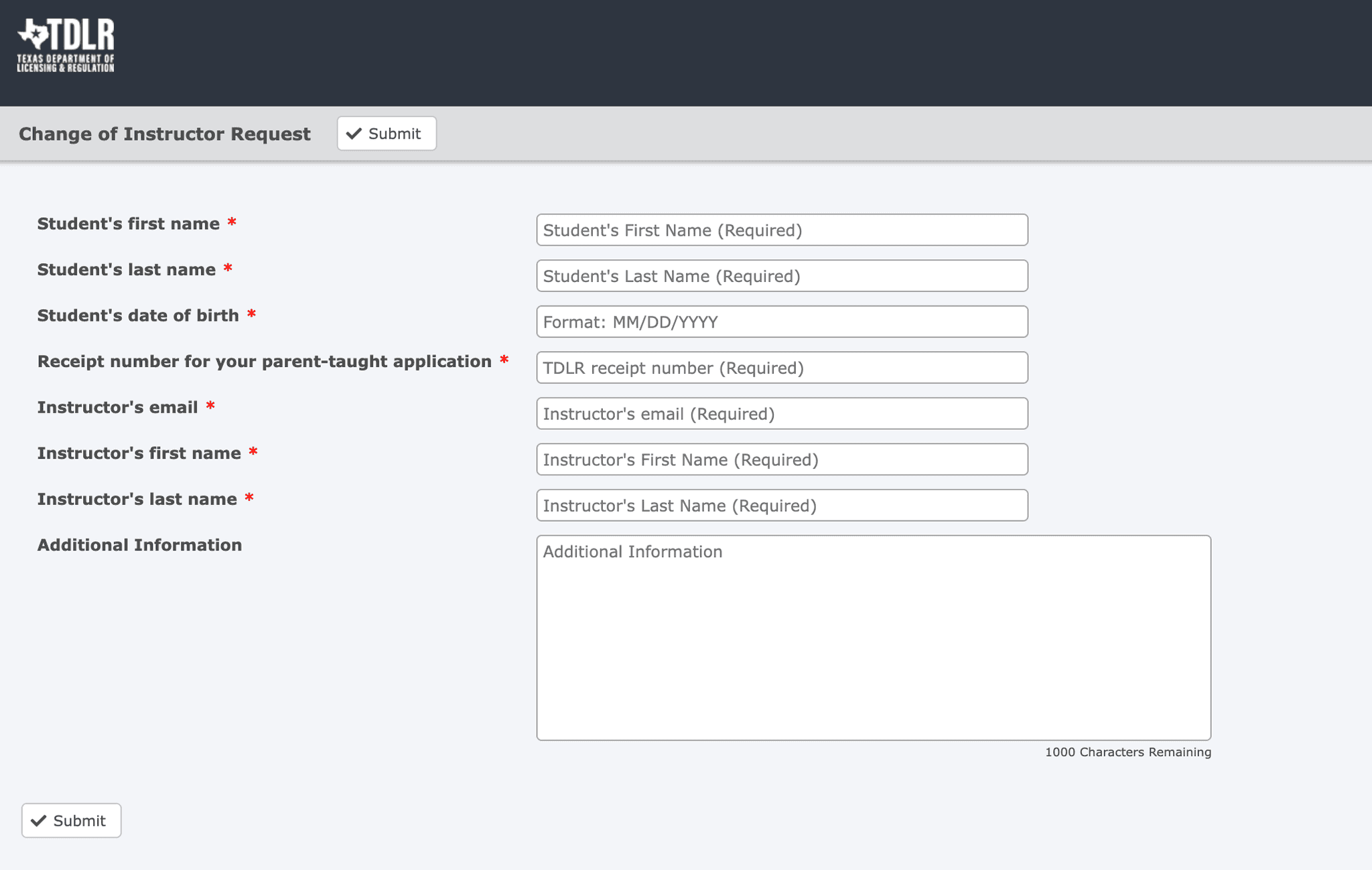
If you need to change instructors at any point during the instruction, please fill out this TDLR form with the following information:
- The student's full name
- The student's date of birth
- The new instructor's name
- The receipt number for your PTDE Packet (E.G., 452PTXXXXXXXXXX)
- How you would like to receive the new instructor designation (delivered by email)
Update your course too
From October 12, 2026, your course also keeps the parent instructor's name and driver license number, because Texas requires them with each certificate. After TDLR confirms a new instructor, open Step 2 in the course and choose Change these details. If that link is no longer there, email [email protected] and we will help.Frequently Asked Questions
The PTDE Packet is updated by the Texas Department of Licensing and Regulation, not ParentTaught.com. This means that we are unable to provide accurate estimates. From our students' experience, this process typically takes a few days, but it can take over a week during summertime or spring break.
The PTDE Packet receipt number is found on the first page, formatted as 452PTXXXXXXXXX. If you can't find your PTDE Packet, see our PTDE packet article for how to get another copy.
No, the registration of the Parent Instructor is with the TDLR; we cannot change the information on the PTDE Packet. You must submit your request directly to the TDLR using the form linked above.
The PTDE Packet is managed by TDLR. If it has been more than a week (or longer during peak seasons like summer and spring break), contact TDLR at (512) 463-6599 or through their online contact form.
Need More Help?
If you're having trouble changing your instructor or have questions about the process, contact our support team for guidance.